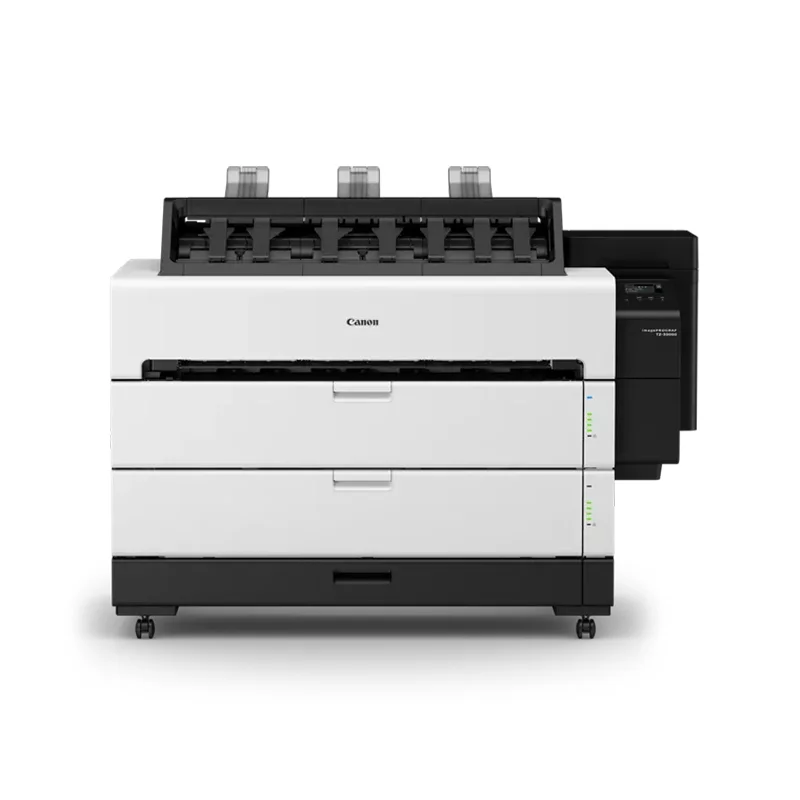
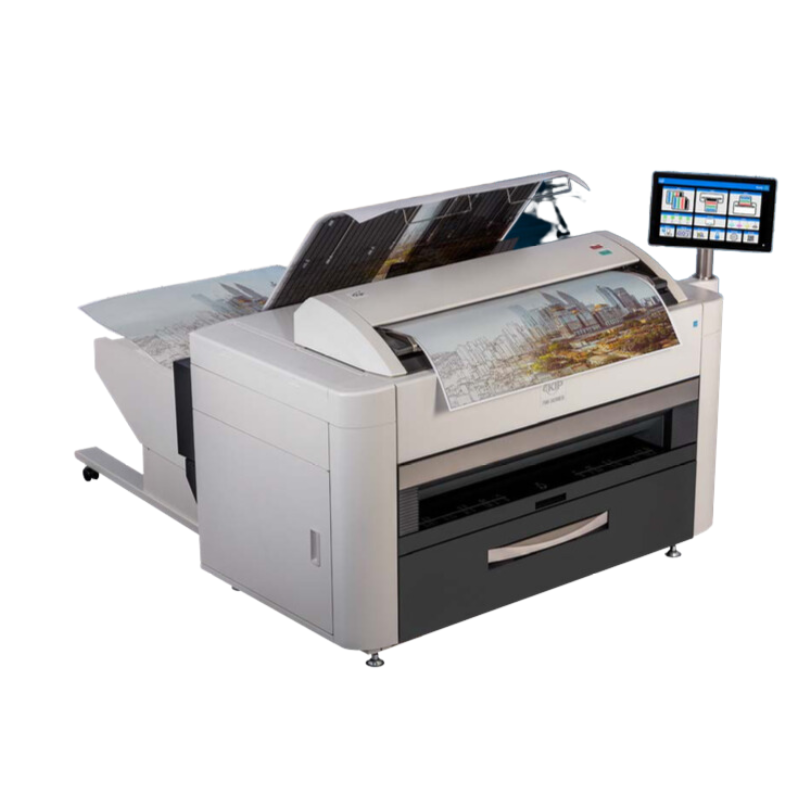
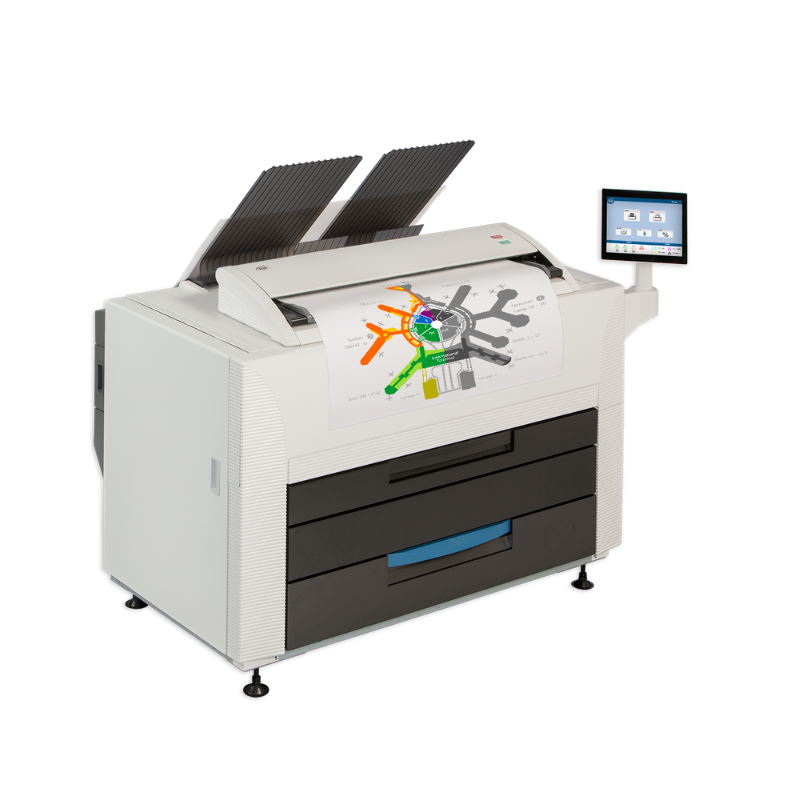
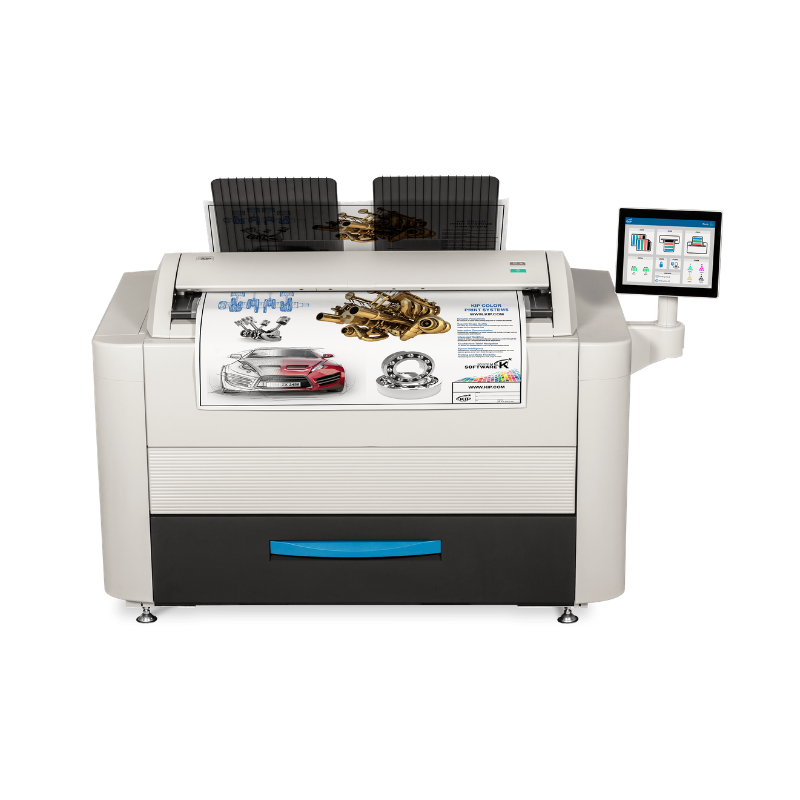
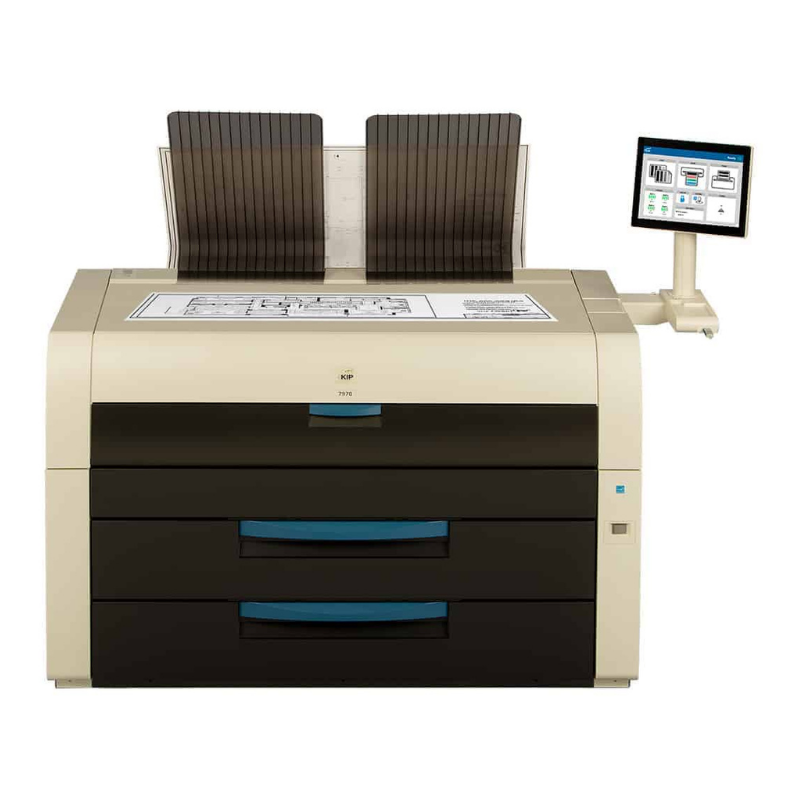
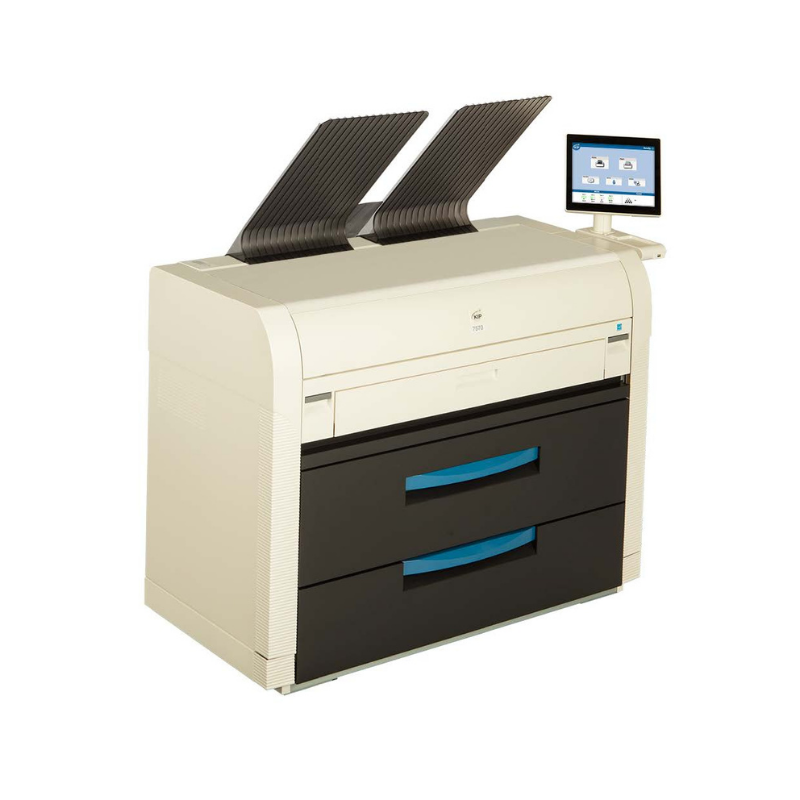
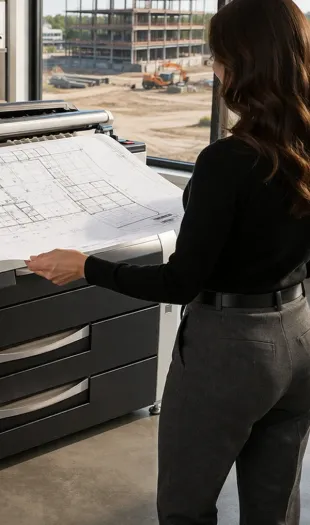
Bring large format printing in house with reliable, high quality equipment built for speed and precision. DRP provides Canon and KIP wide format solutions that give your team full control over output, turnaround time, and document security.
From construction plans and blueprints to posters, signage, and graphics, these systems deliver consistent color and black and white results without relying on outside vendors. With faster turnaround, reduced outsourcing costs, and energy efficient performance, your team stays productive and in control.
Ready to simplify your technology and office operations?
How do I choose between a Canon and KIP wide format printer?
The right choice depends on what you print, how often you print, the amount of color you need, and whether you need scanning and copying in addition to printing.
Canon and KIP offer different wide format systems for different business environments. When comparing equipment, consider your typical monthly print volume, the percentage of color versus black-and-white work, document sizes, required print speed, media types, scanning needs, and how many employees will use the system. An architecture or engineering firm producing large volumes of plans may have different requirements than a marketing department producing presentation graphics and signage. DRP Solutions can evaluate your existing workflow and recommend a Canon or KIP configuration that provides the capabilities you need without paying for features your business is unlikely to use.
Can a wide format printer scan and copy existing blueprints, plans, and drawings?
Yes. Many wide format multifunction systems can scan, copy, and digitally store large drawings as well as print them.
This can be particularly useful for architecture, engineering, construction, facilities management, and other organizations that still maintain paper plans or frequently receive marked-up drawings. Depending on the system, large originals can be scanned into formats such as PDF, TIFF, or JPEG and sent to network folders, email, cloud destinations, or other approved locations. Businesses should consider the size and condition of the originals they need to scan, desired scan resolution, document routing requirements, and whether employees need simultaneous printing and scanning when selecting a system.
What file types can a wide format printer handle?
Modern wide format systems can support common business and technical file types including PDF, TIFF, JPEG, PNG, and specialized drawing formats, depending on the equipment.
File compatibility becomes especially important when the printer will be used for CAD drawings, architectural plans, engineering documents, graphics, or files coming from several departments. Some KIP systems, for example, support formats used in technical environments in addition to standard image and PDF files. Choosing equipment that works with the files your employees already create can simplify the workflow and reduce unnecessary file conversion. DRP can review the software and document formats your organization uses before recommending a wide format system.
What does a business need to consider before installing a wide format printer?
Before installation, a business should confirm space, electrical requirements, network connectivity, print volume, media storage, and how employees will access the new system.
Wide format equipment has different installation requirements than a typical office printer. The physical footprint of the machine, access for delivery and service, available electrical service, network configuration, roll or sheet media requirements, and storage for supplies should all be evaluated in advance. It is also important to determine where the equipment should be located based on the employees and departments that will use it most frequently. Planning these details before installation helps prevent workflow problems and ensures the equipment can be used efficiently from the start.
What is the difference between a wide format printer and a production printer?
Wide format printers are designed primarily for oversized documents and graphics, while production printers are designed primarily for high-volume, high-speed printing of standard and specialty documents.
A wide format system is typically the better choice for blueprints, CAD drawings, architectural plans, posters, maps, presentation graphics, and other oversized output. Production printing equipment is generally built for businesses producing large quantities of brochures, booklets, direct mail, marketing materials, reports, and similar documents where speed, volume, finishing, and consistency are the priorities. Some organizations need both because the equipment serves different workflows. Evaluating the size, volume, type, and finishing requirements of the work your business produces will help determine which printing technology is the better fit.